- Ideas for a more considered life
- Travel deeper . Work smarter . Live better
- Join 50,000+ readers
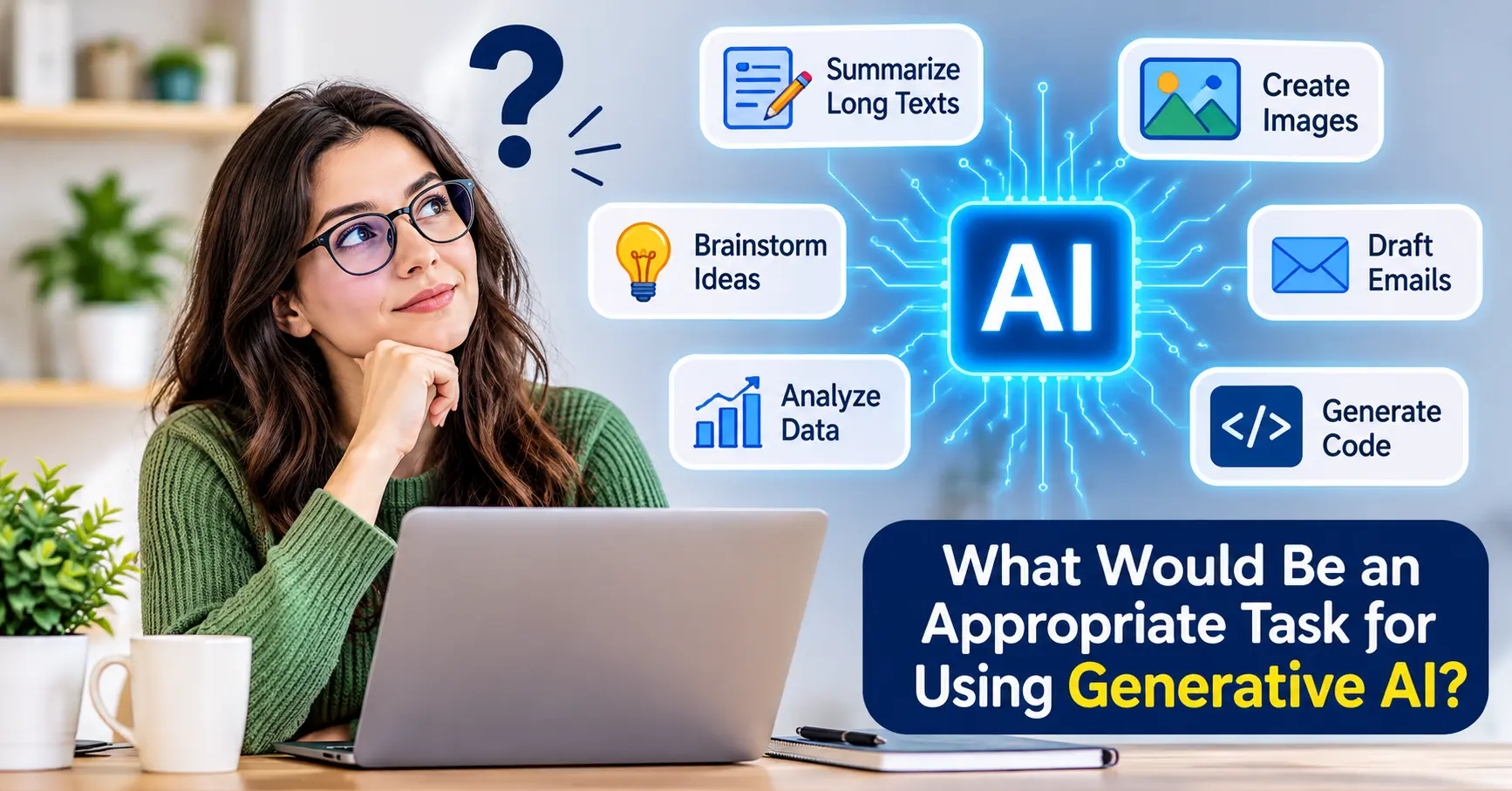
Generative AI is now part of everyday work, yet many people still wonder where it truly helps and where it creates risk. If you are asking what would be an appropriate task for using generative AI, the short answer is simple: choose work that is repetitive, language-heavy, and easy for a human to review. At Ultimate Fandom, we evaluate every new tool by one standard: does it save time without lowering quality? This guide gives you a clear framework, practical examples, and honest warnings so you can use AI with confidence.
The answer to what would be an appropriate task for using generative AI: pick work that is repetitive, low-risk, and easy to verify. Good examples include brainstorming ideas, outlining articles, summarizing long documents, rewriting text for tone, and drafting first versions of emails or code. Tasks that involve legal, medical, or financial decisions should always stay under human control.
Generative AI refers to artificial intelligence systems that create new content, such as text, images, audio, code, or video, based on patterns learned from massive datasets. Popular examples include ChatGPT, Claude, Gemini, and Microsoft Copilot. These tools predict likely outputs rather than “knowing” facts, so they are fast and creative but can be confidently wrong.
Run any job through these five questions. If most answers are “yes,” the task is likely a good fit.
Is it repetitive?
Routine work such as drafting similar emails or formatting notes is where AI saves the most time.
Is the output easy to check?
If you can verify the result in a minute or two, the risk stays low.
Is the stake low?
A weak headline idea costs nothing. A wrong medical or legal statement can cause real harm.
Is the information non-sensitive?
Avoid pasting private, confidential, or personal data into public AI tools.
Will a human make the final call?
AI should assist your judgment, not replace it.
Now that you have the test, here are eight proven examples that pass it.
Brainstorming and Outlining
AI is excellent at generating dozens of angles, titles, or outline structures in seconds. You choose the best direction and skip the blank page.
Summarizing Long Content
Reports, meeting transcripts, and research papers can be condensed into key points. Always compare against the original.
Drafting First Versions
Emails, product descriptions, social captions, and basic blog sections are ideal for a first draft. A human then adds voice and facts.
Rewriting and Editing
Need a friendlier tone, simpler wording, or tighter grammar? AI can rephrase text quickly while you stay in control of the message.
Translation and Localization Drafts
AI produces solid draft translations, but public-facing material should be reviewed by a native speaker.
Organizing Messy Information
Turn scattered notes into tables, checklists, or step-by-step plans.
Coding Assistance
Developers use AI for boilerplate code, debugging suggestions, and plain-language explanations of unfamiliar code. Every line should still be tested.
Learning and Tutoring
AI can explain a concept at any level and answer follow-up questions, like a patient study partner.
Tasks Where You Should Set Strict Limits
Knowing what would be an appropriate task for using generative AI also means knowing when to say no. Use extra caution, or avoid AI entirely, in these situations:
Once you understand what would be an appropriate task for using generative AI, these habits keep your results accurate and trustworthy, which is the heart of Google’s E-E-A-T principles (Experience, Expertise, Authoritativeness, and Trustworthiness).
Imagine a content team preparing an explainer about a popular TV series. The team uses AI to suggest outline sections and headline options. A human writer then adds firsthand analysis, confirms release dates and cast details, and edits the final copy. This is the approach we follow at Ultimate Fandom: AI speeds up the groundwork, while people supply the expertise and the final judgment.
The best way to answer what would be an appropriate task for using generative AI is to match the tool to the job. Use it for structure, speed, and first drafts. Keep humans responsible for facts, ethics, and final decisions. When you follow that balance, AI becomes a reliable assistant rather than a risky shortcut. For more practical guides, keep exploring Ultimate Fandom.
What would be an appropriate task for using generative AI at work?
Low-risk, repetitive tasks such as drafting emails, summarizing meeting notes, brainstorming ideas, and organizing data are the best fit. These jobs are easy to review, so errors are caught quickly.
Is generative AI safe to use with sensitive information?
Generally, no. Avoid entering confidential business data, passwords, or personal details into public AI tools. Check the tool’s privacy settings and your organization’s policy first.
Can generative AI replace human writers?
No. AI can speed up outlining and drafting, but it lacks firsthand experience, original opinion, and accountability. Human writers are still essential for accuracy, voice, and trust.
How can I check whether AI-generated content is accurate?
Compare claims, statistics, names, and dates with reliable primary sources such as official websites, research papers, or recognized publications. If you cannot verify a statement, remove it.
What tasks should I never give to generative AI?
Avoid relying on AI for final medical, legal, or financial advice, hiring decisions, and any task involving private data. In these areas, qualified professionals must stay in charge.
Reference: To explore more real-world examples, see Google Cloud’s overview of generative AI use cases.